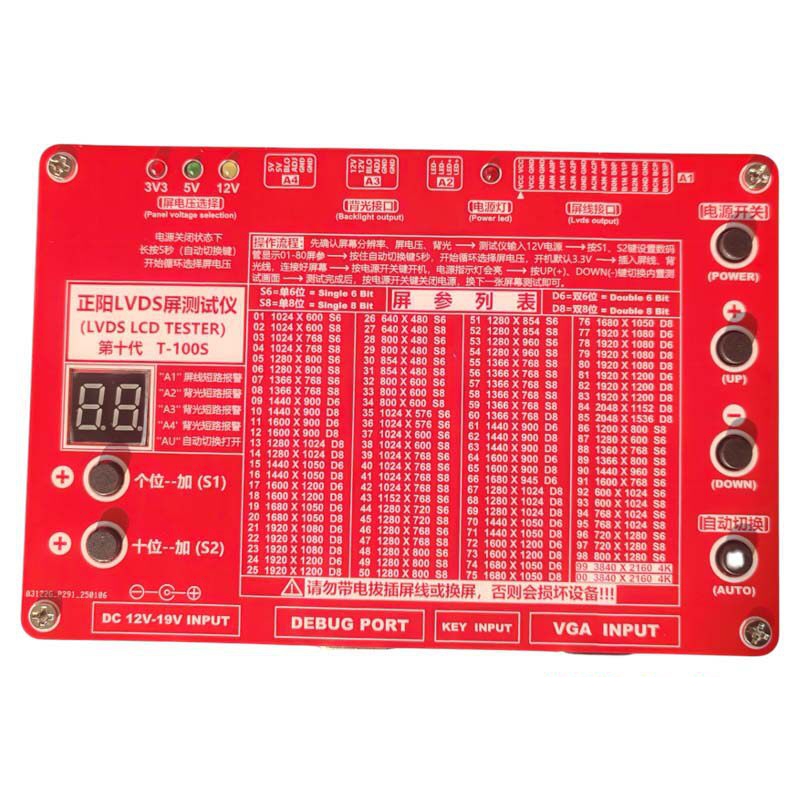
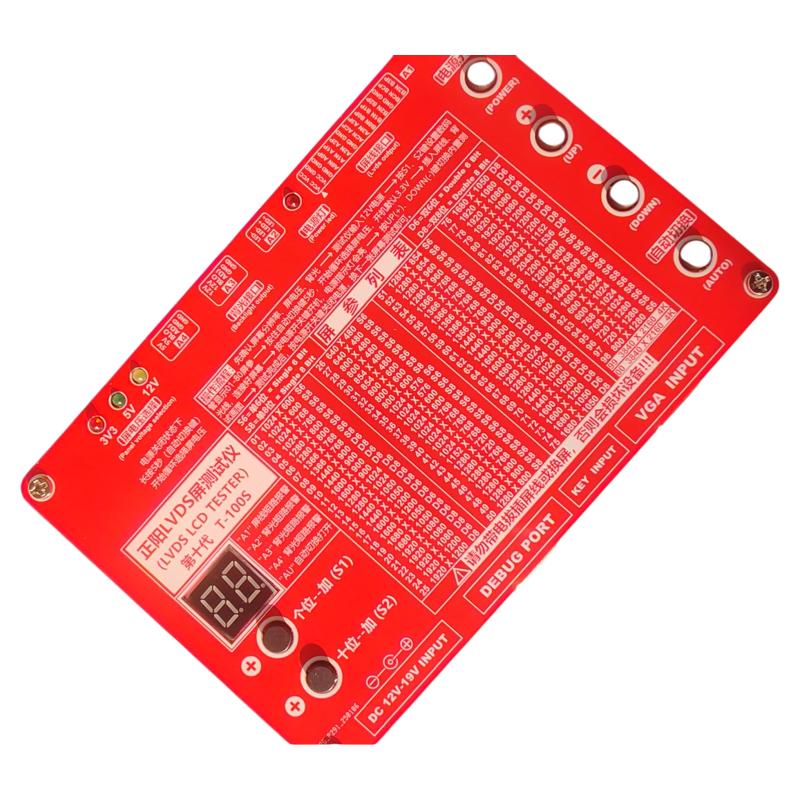
Thanksbuyer T-100S 10th Generation (100 Kinds of Resolution) 3840x2160 2K 4K LVDS LCD Screen Tester LED LCD Panel Tester for TV Screens
Verfügbarkeit für Abholungen konnte nicht geladen werden

Improvements:
- The 10th generation is an upgraded version of the 8th generation, with the T-100S model and 100 screen parameters. It has 40 more screen parameters than the 6th generation and 20 more screen parameters than the 8th generation, adding the popular vertical screen, also known as the long strip screen. It is the 2026 new LCD screen testing platform.
Advantages:
- It can measure the floor-standing digital signage display, refers to the type of screen used in Telecommunications, Mobile, and bank halls. Ordinary screen measuring instruments do not have the function of measuring floor-standing signage display.
- Exclusive power-off code storage memory function. This time, a certain code was adjusted. If the power is turned off, the resolution code adjusted last time will be displayed directly when powered on next time. Changing the resolution code does not require turning off the power and can be done directly.
- The single digit and ten digit of the resolution code can be adjusted separately. For example, for code 59, the single digit can be adjusted to 9 and the ten digit can be adjusted to 5. A regular screen measuring instrument needs to be adjusted 59 times.
- Truly 100 resolutions, rather than copying one resolution into multiple ones, the highest resolution is 3840X2160 (requiring LVDS to VB1 adapter box) instead of 1920X1200.
- Interface to ground short circuit full protection, not only the screen line interface has interface to ground short circuit protection, but also the output interfaces of the high-voltage board and constant current board have ground short circuit protection.
- The screen cables provided are mainly for large LCD TVs with screens of 32 inches and above.
Package Included:
- 1 x LCD Tester
- 8 x LVDS Screen Cable
- 1 x 4K Dedicated Screen Cable
- 1 x 51P Soft Pin Adapter
- 1 x 4K Adapter Box (LVDS to VB1)
- 1 x Power Adapter
Using Instruction:
1. Apply 12-19V power to the screen tester (first connect the power adapter to the screen tester, then plug the power adapter into 110V or 220V power supply, in this order)
2. Adjust the resolution code corresponding to the current test screen, and the list of resolution codes is displayed on the front panel of the screen tester.
3. Adjust the voltage of the drive screen: press the auto button at the lower right corner of the screen tester for 5 seconds, and the indicator light on the voltage of the drive screen indicates the current voltage of the drive screen of the screen to be measured (press the power switch at the upper right corner of the screen tester to adjust before).
4. Remove the original screen cable, select a suitable screen cable, and plug one end into the screen tester. Insert the other end of the screen cable into the logic board (the red wire of the screen cable corresponds to the fuse of the logic board, that is, the red wire of the screen cable and the fuse of the logic board are connected). Connect before turning on the power switch, and be sure to follow this order.
5. Press the power switch in the upper right corner of the screen tester.
6. Turn on the power switch of the monitor or TV (using the original backlight). If there is a problem with the original backlight, it is recommended to use a strong flashlight for illumination. Be sure to connect it first and then turn on the power, that is, press the power switch in the upper right corner of the screen tester last.
7. When replacing the screen or screen cable, be sure to turn off the power switch in the upper right corner of the screen measuring instrument first, connect it properly, and then turn on the power (press the power switch in the upper right corner of the screen measuring instrument). Do not operate with the power on, otherwise it may cause artificial damage to the equipment or screen.
8. Auto switch key: Built in multiple test screens automatically cycle through display, at which point the digital display will show "AU".
9. VGA INPUT interface: Insert the computer VGA signal cable and automatically switch to an external VGA signal input to display the computer screen.
10. DEBUG PORT: debugging port, for developers, not open.
11. KEY INPUT interface: used for external connection of small keypad, which has power on key and screen switching key. For factory users or users with a large number of screen tests that require long-term testing, it is also convenient to replace the keys on the small keypad if they are broken.
12. The tester has a short circuit protection alarm function. If the digital display shows "A1", "A2", “A3", or "A4", it indicates a short circuit in the corresponding interface.