제조사 Simplayer
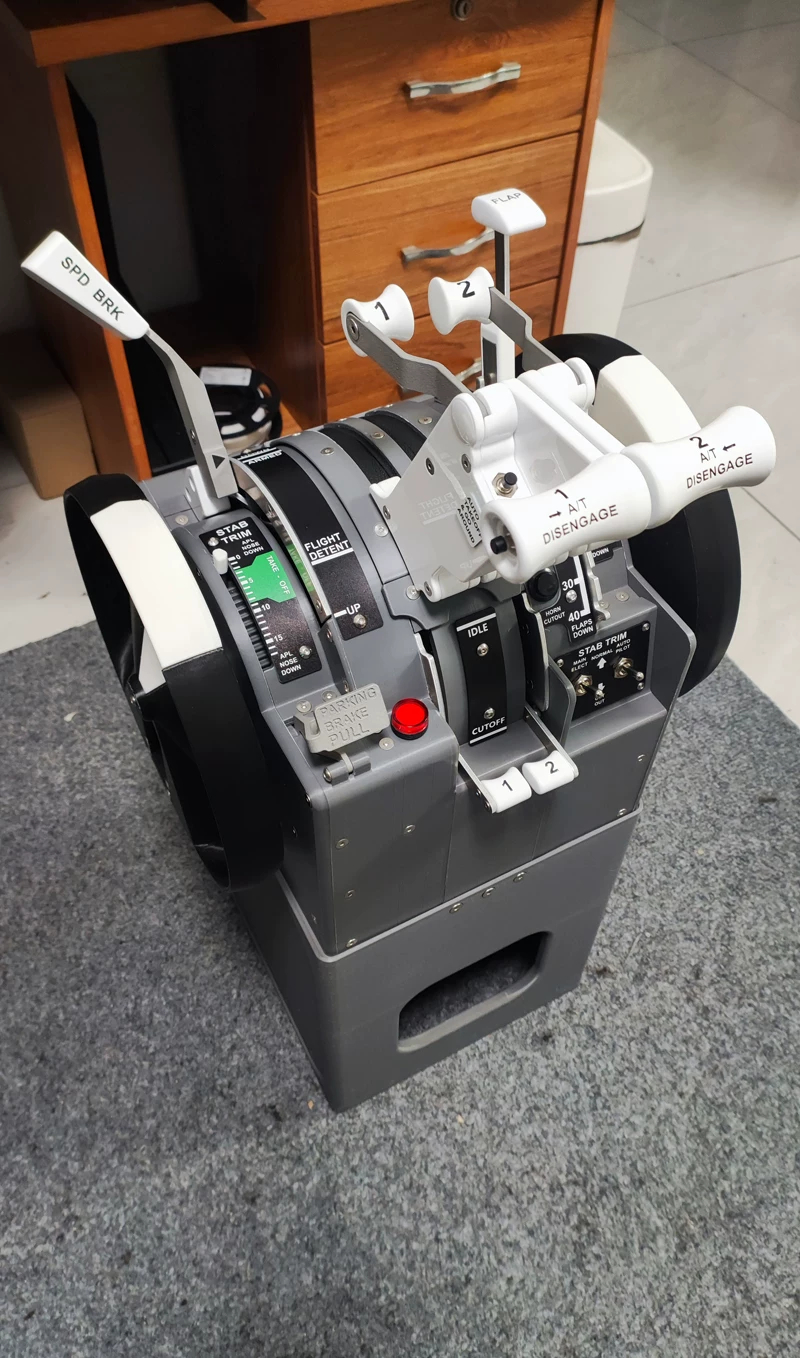
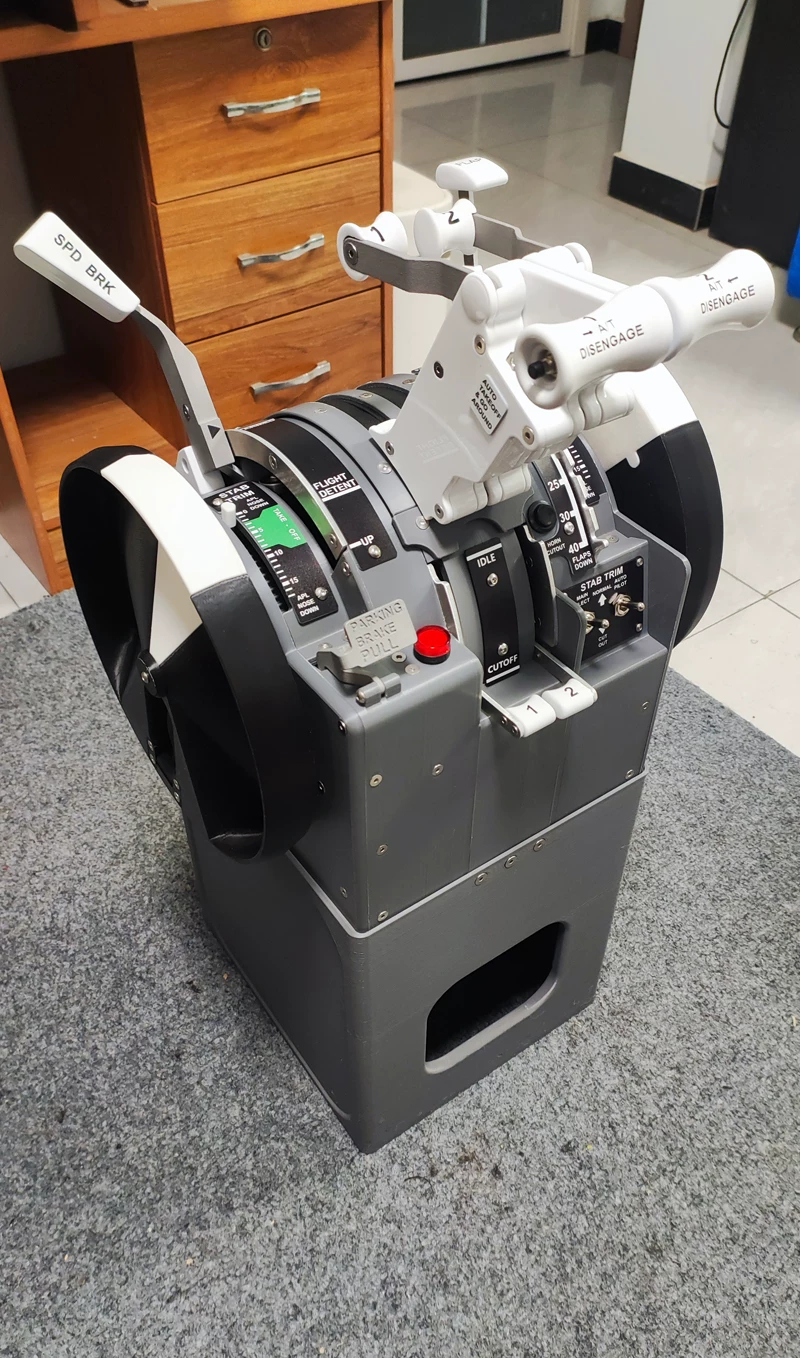
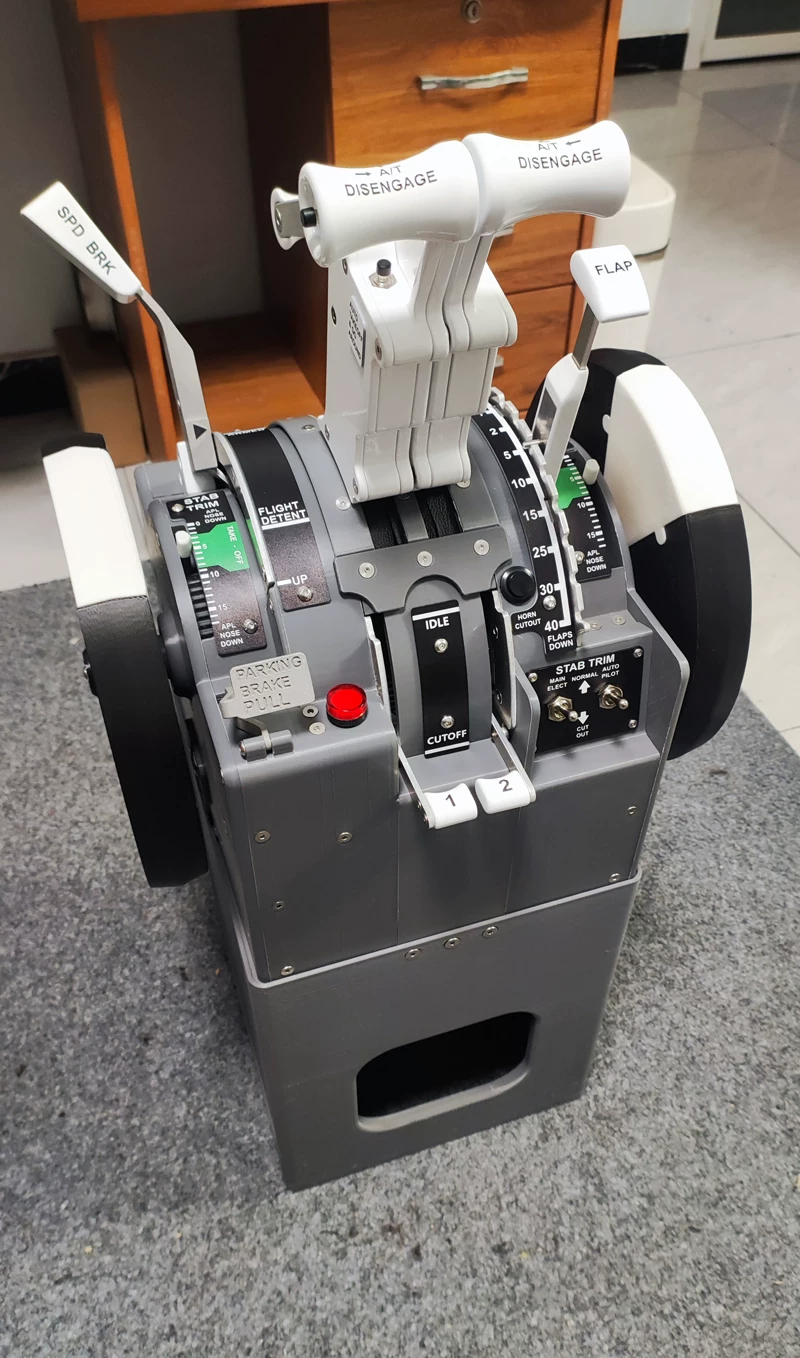
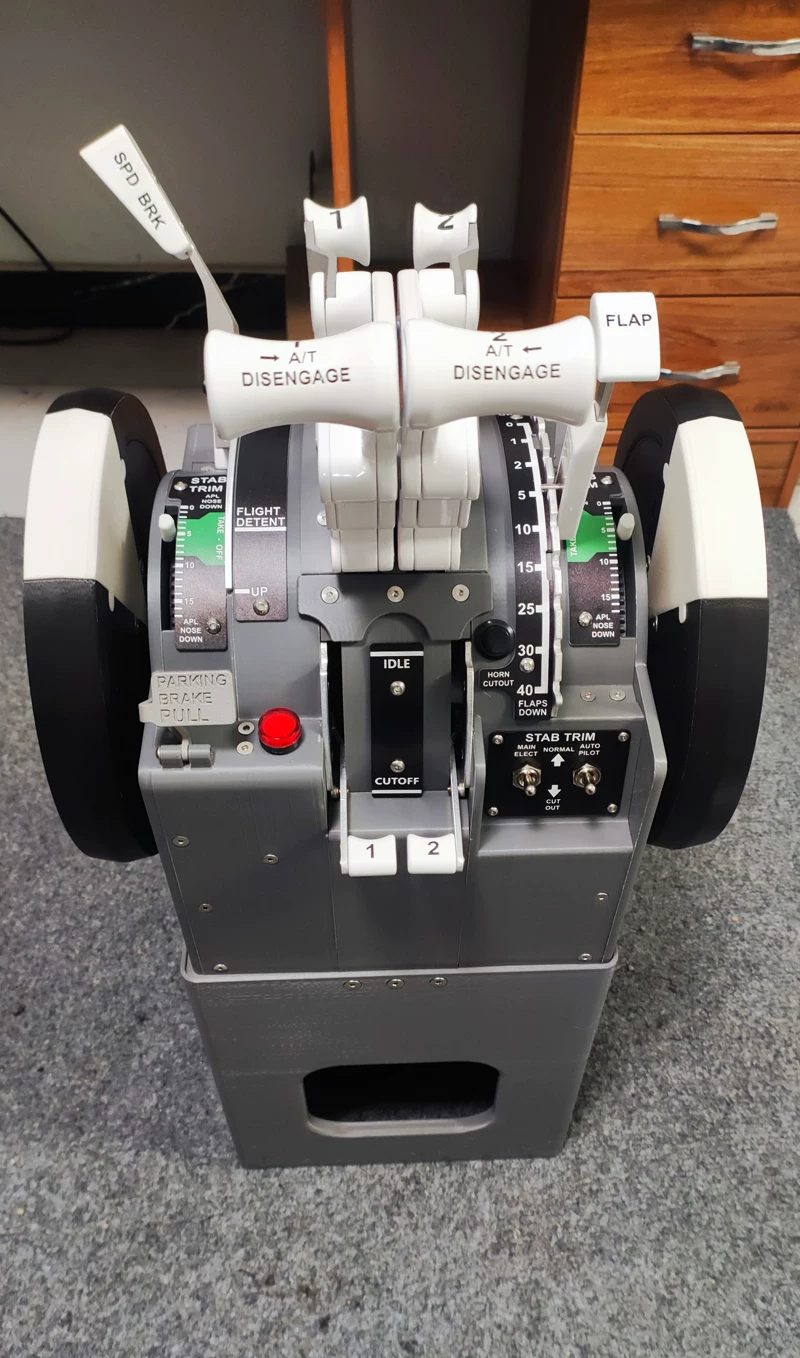
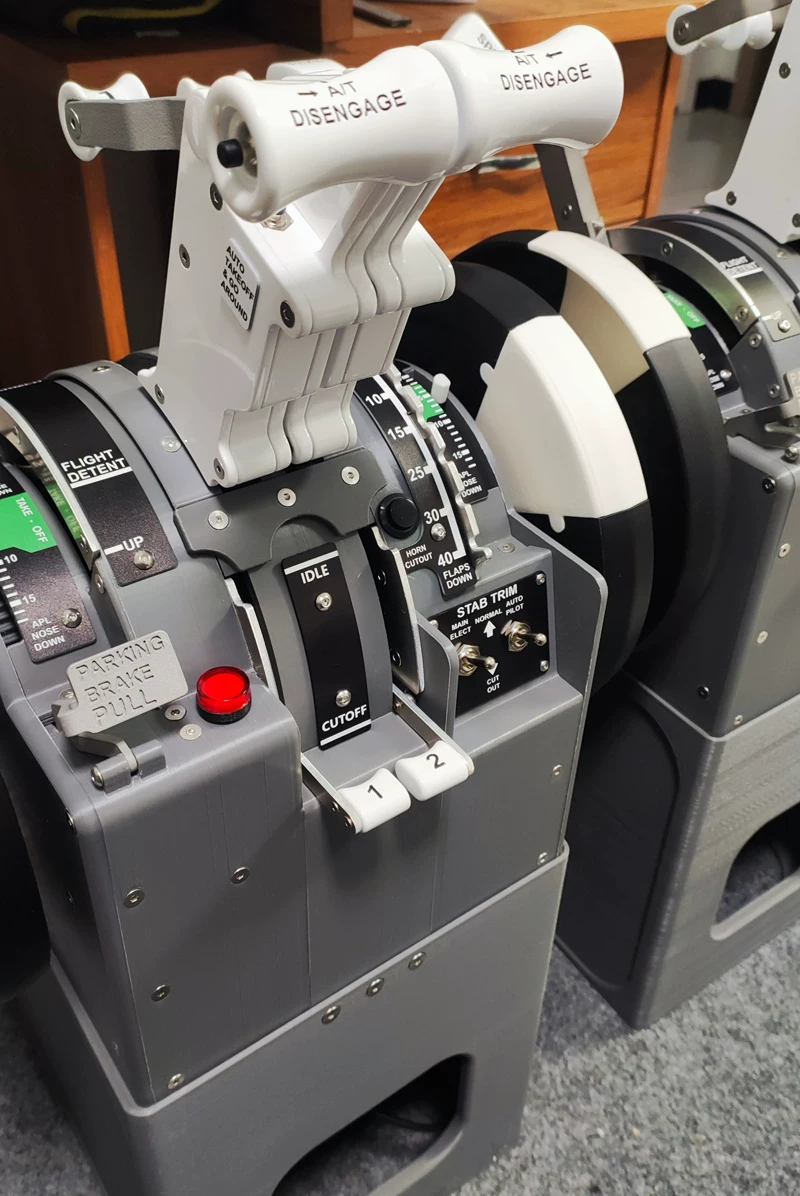
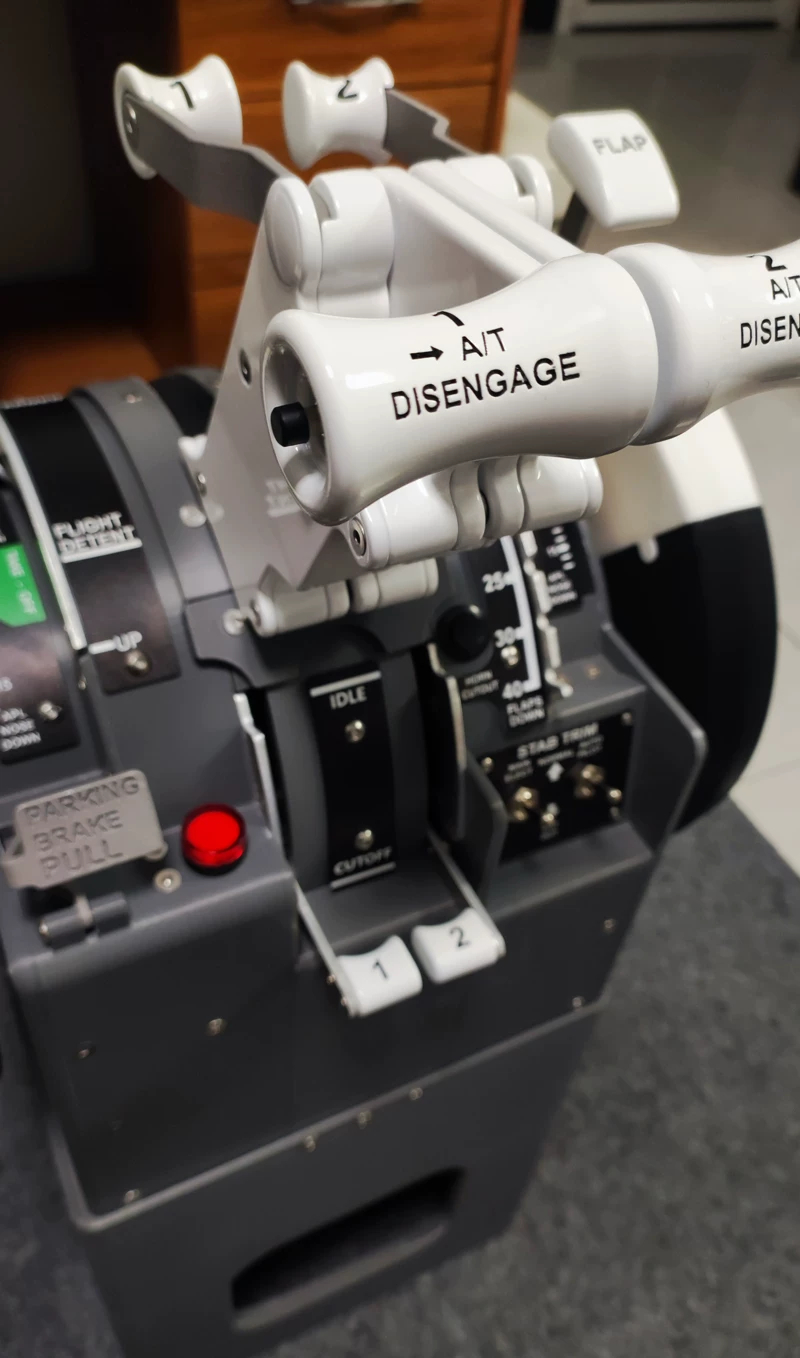
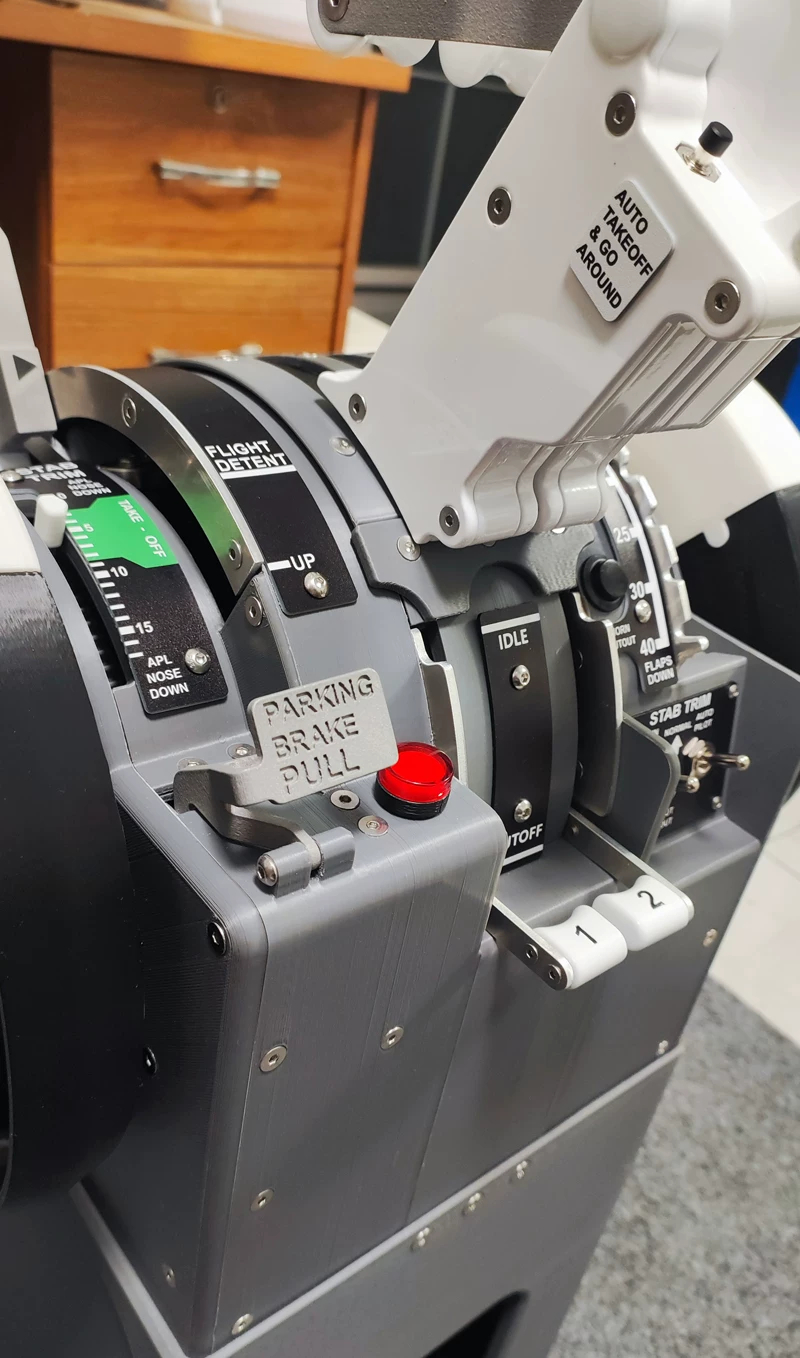
Simplayer Throttle Quadrant Flight Simulator for Boeing 737 X-Plane Zibo 737-800 and PMDG 737
$1,822.83 - $2,328.10
세금이 포함됩니다.
배송료는 결제 시 계산됩니다.
정가
$1,822.83
정가
할인가
$1,822.83
단가
단위
픽업 사용 가능 여부를 로드할 수 없습니다.
Availability:
재고 2000개
SKU:
101033
Tags:
Collections:

정가
$1,822.83
정가
할인가
$1,822.83
Optional Versions:
* WiFi Basic - PLA Housing + Resin 2K Painted Grip
* WiFi Advanced - Fully Resin Printed & Painted Housing
* USB Basic - PLA Housing + Resin 2K Painted Grip
* USB Advanced - Fully Resin Printed & Painted Housing
Advantages:
* Engineering-grade flight simulator throttle quadrant
* Fully supports X-Plane Zibo 737-800 aircraft model
* Fully supports Microsoft Flight Simulator PMDG 737 aircraft model
* No PC background required
* Standalone operation
* Professional throttle quadrant control system
* For flight simulation players pursuing authentic logic, long-term stability, and engineering quality
Features:
1. Hardware Materials | Not just a "peripheral", but engineering components
1.1. Structure & Tactile Feel:
* Lever Knobs
• Precision-molded 3D resin printing with 2K paint finish
• Focused on realistic appearance and long-term durability
* Key Control Levers (Metal)
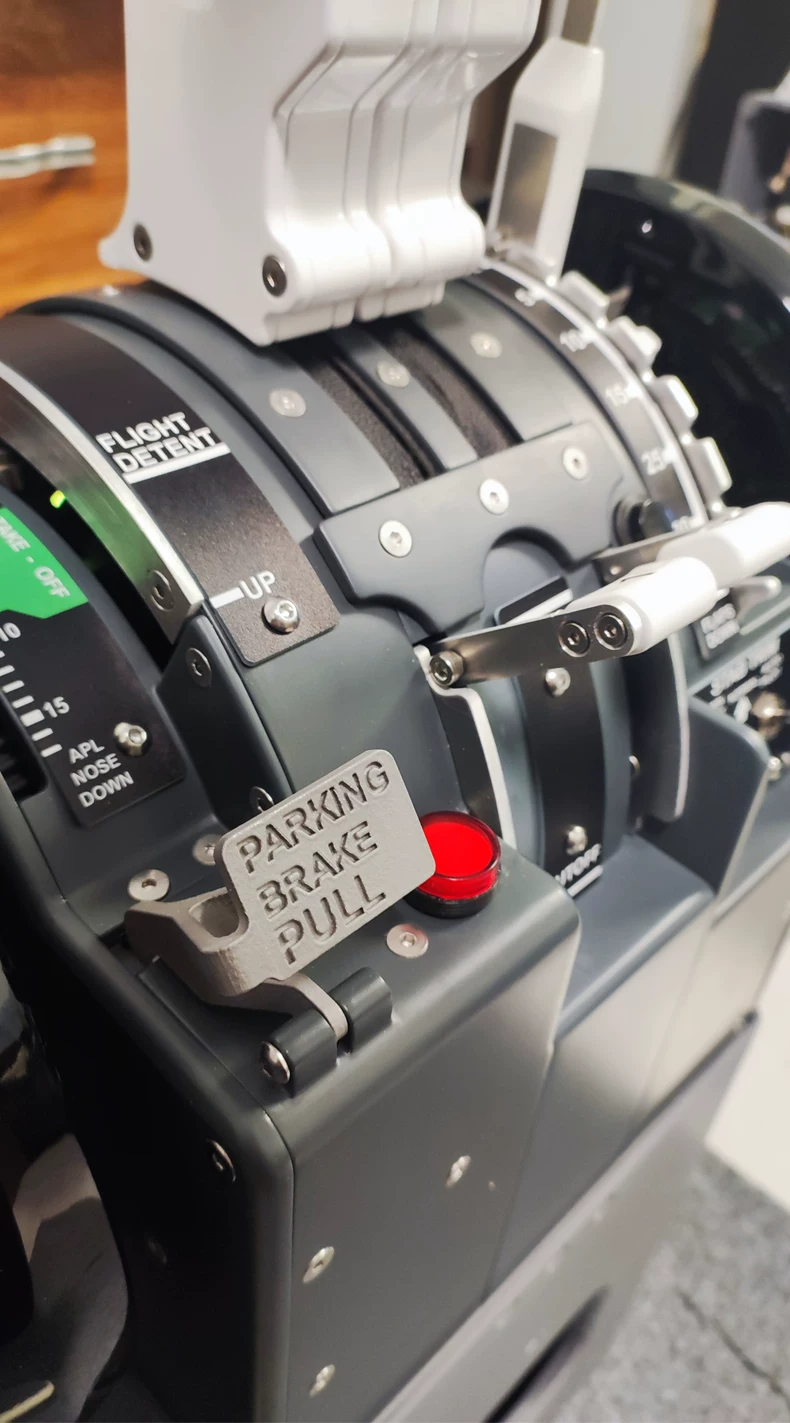
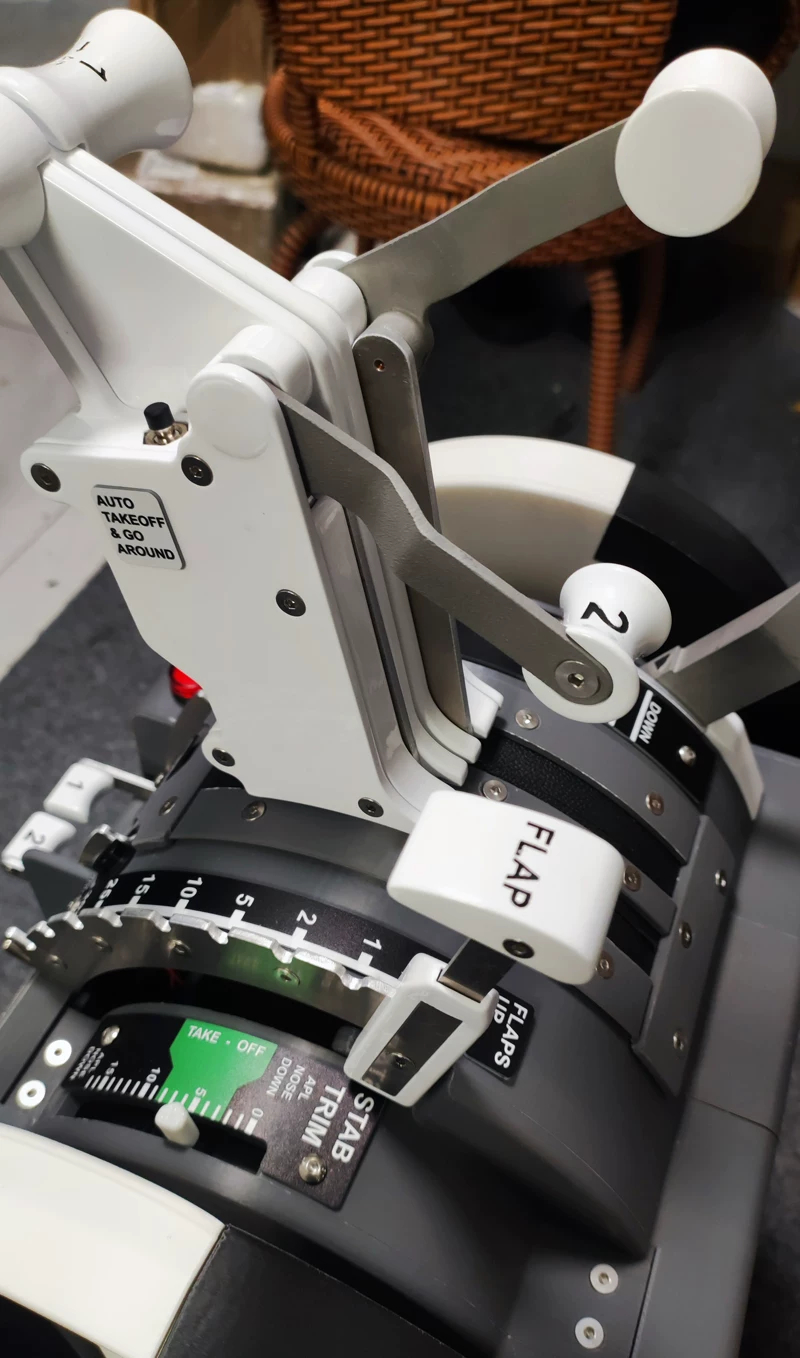
• Speedbrake Lever
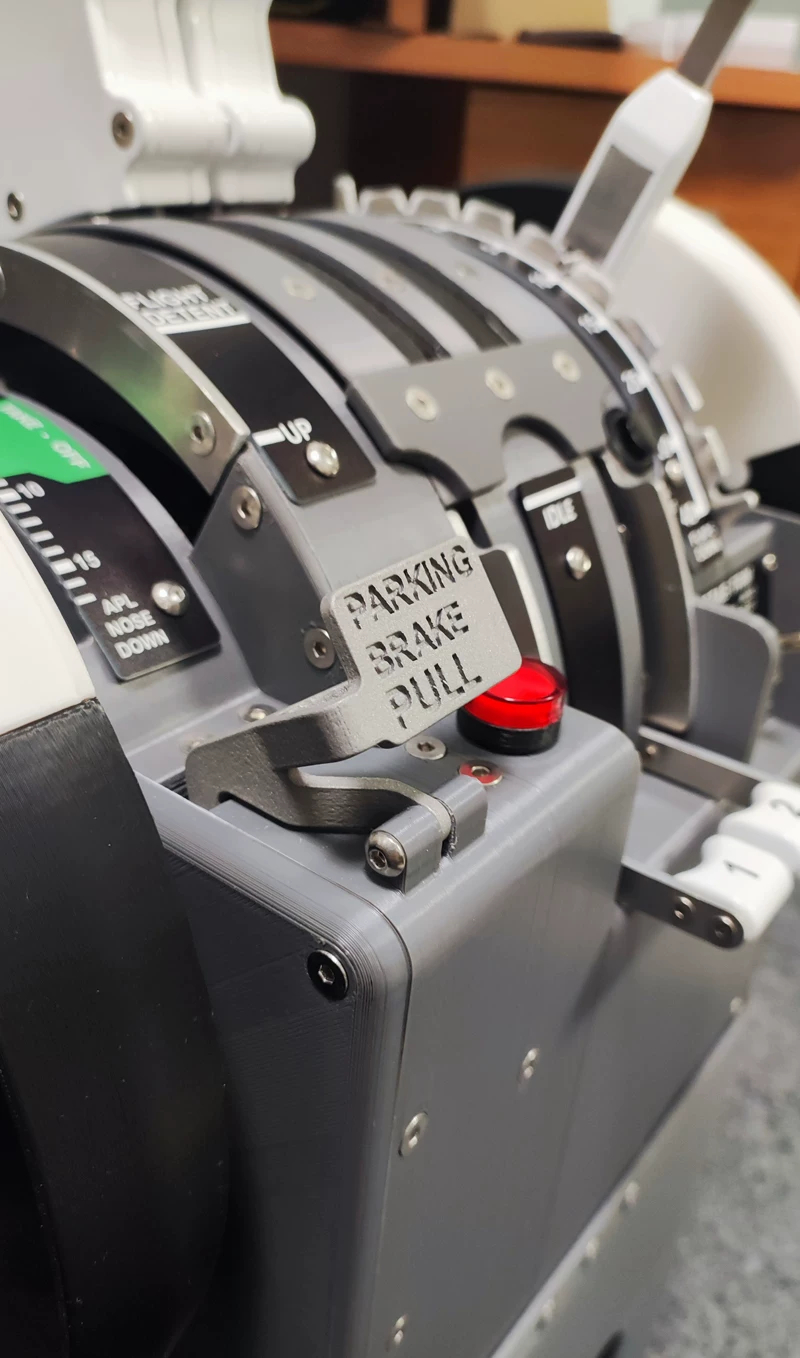
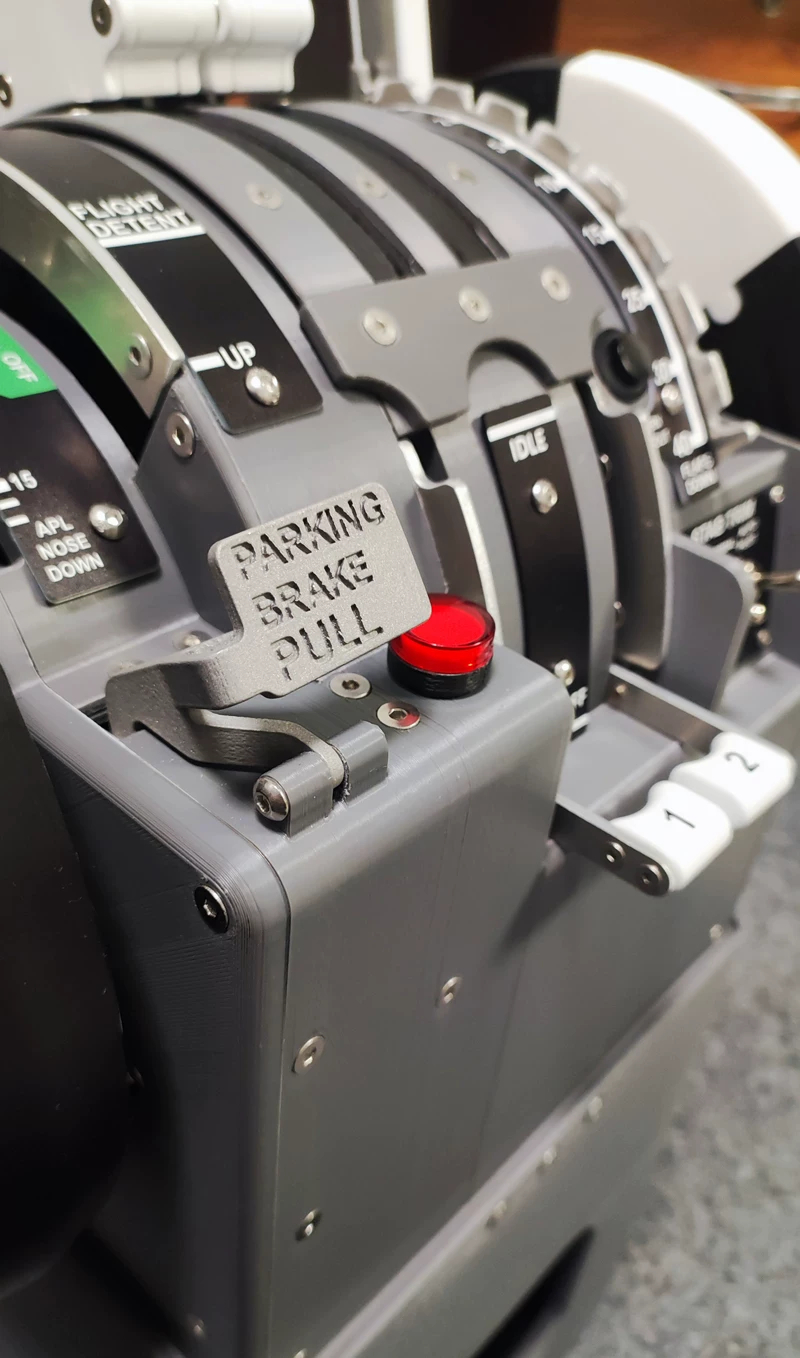
• Parking Brake Lever
• Thrust Reverser Levers
• 3D printed metal construction, emphasizing weight feel and consistent operational resistance
1.2. Drive & Sensing
* FOC Closed-Loop Stepper Motor + CAN Bus Control
• Delivers continuous, smooth, and controllable angle feedback
• Meets flight simulation requirements for positional consistency and logical stability
* High-Precision Digital Hall Angle Sensors
• Applied to Thrust Reversers and Flaps
• Strong anti-interference capabilities, stable long-term data without drift issues
1.3. Structural Design
* Wiring harness and control board integrated at the top: Neat wiring for maintenance-friendly access
* Detachable Base Structure: Adapts to various desktop, cockpit, and custom installation setups
2. System Capabilities | True Standalone Operation Architecture
* PC-Independent Control System
• Device handles all control logic and status management onboard
• No background software required, uses zero system resources
• Simulator acts purely as data source and feedback target
* Networking & Configuration
• Dual-Mode Communication: Wi-Fi/Ethernet
• Auto-discovers X-Plane and MSFS instances
• Web-based configuration interface via browser
• Supports hot-switching network modes on the fly
• All configuration and logic handled completely onboard
• Initial setup completed directly via mobile phone
3. Deep Integration with Zibo 737-800 & PMDG 737
* Designed for it, not just compatible
• Not a generic key-mapping device
• Built and designed ground-up around the control logic of Zibo 737-800 (Zibo 738) and PMDG 737.
* Plug-and-Play Authentic Logic
• Auto-detects Zibo 738 and PMDG 737 aircraft models
• Auto-syncs key statuses including throttles, reversers, and trim
• Control behaviors align natively with internal aircraft model logic
* Supported Features Overview
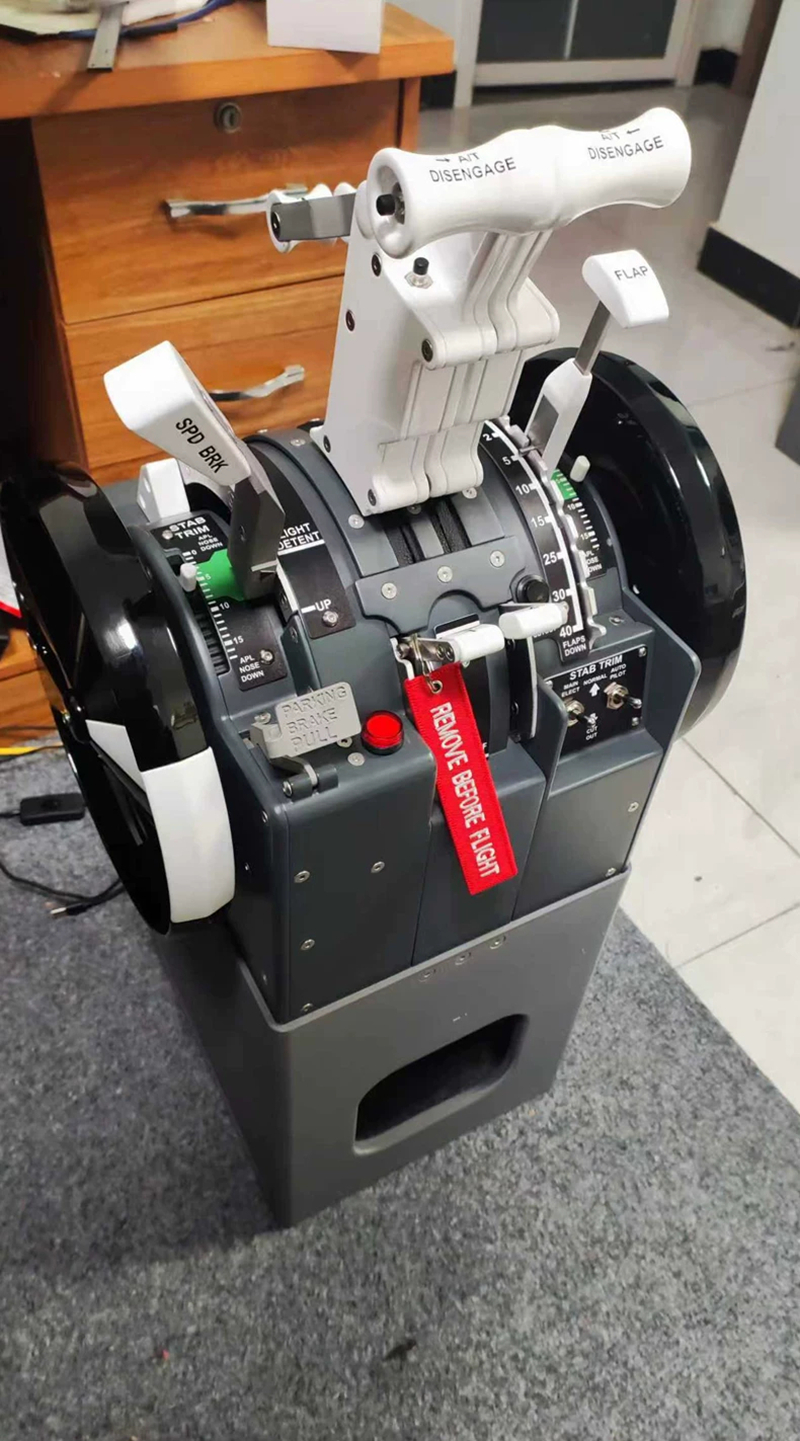
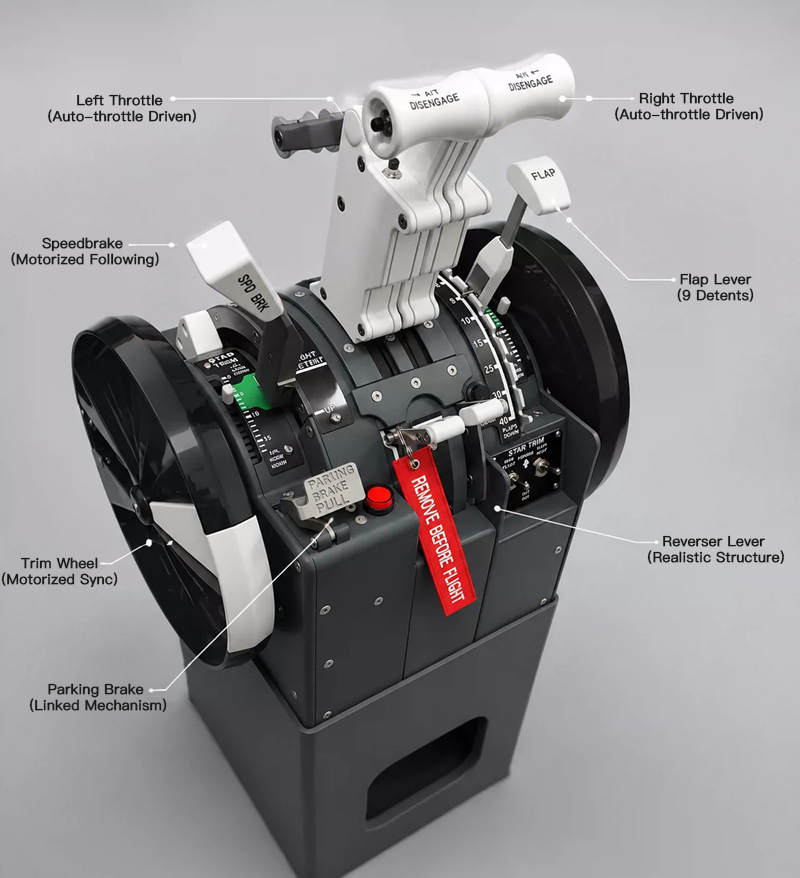
• Dual Throttle Levers (with Thrust Reversers)
• Speedbrake (Auto/Manual Logic)
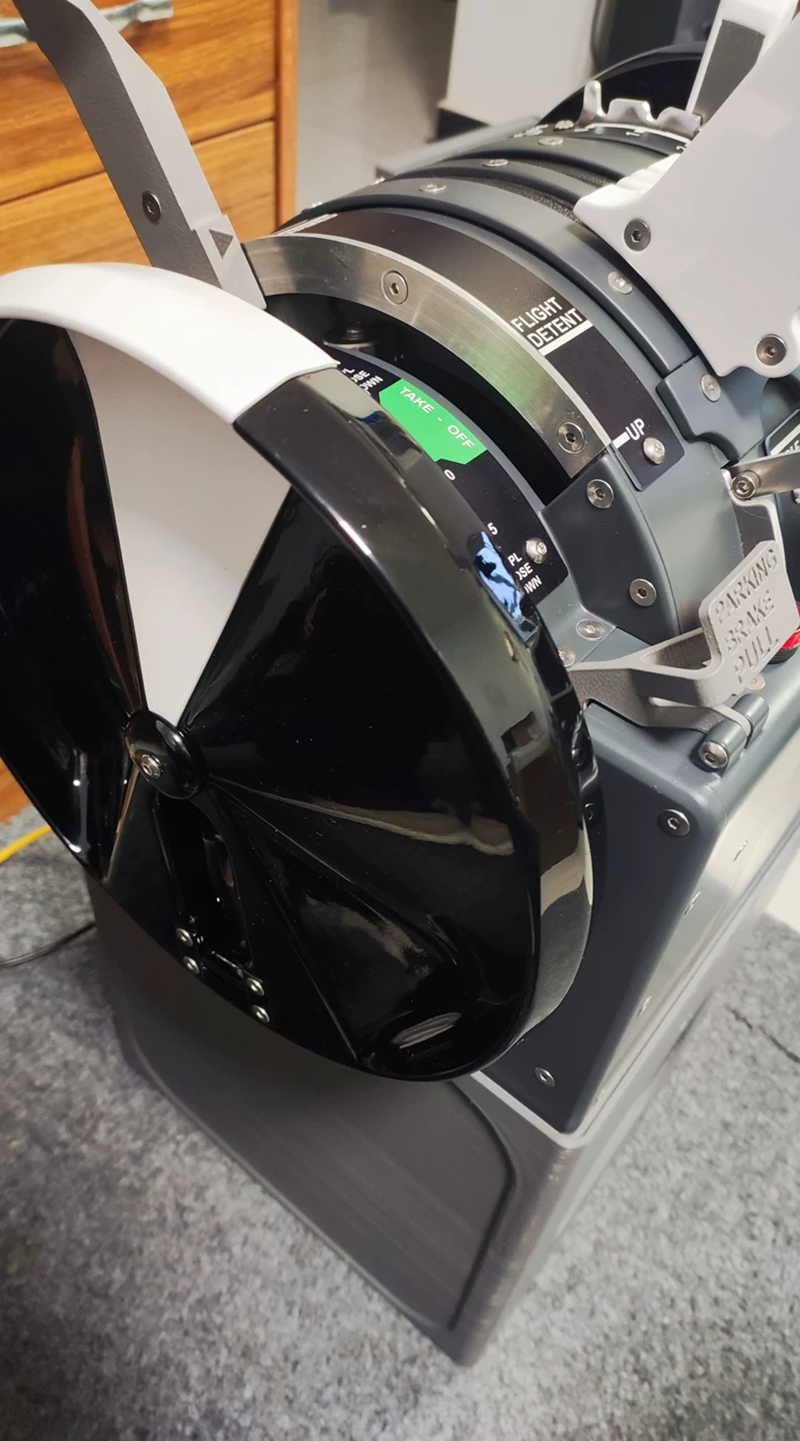
• Trim Wheel Motor Feedback
• Auto-throttle Servo Linkage
• Flap Position Sensing
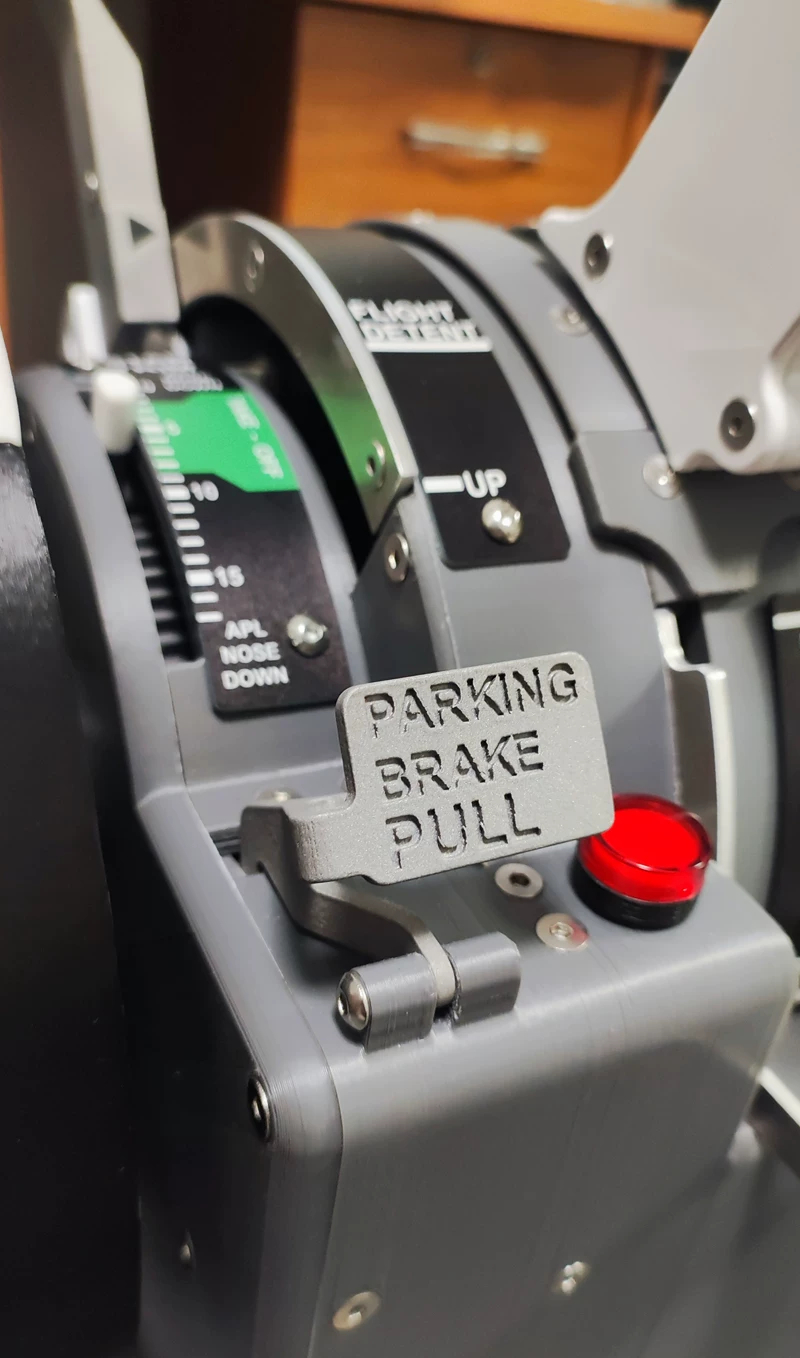
• Parking Brake (with Indicator Light)
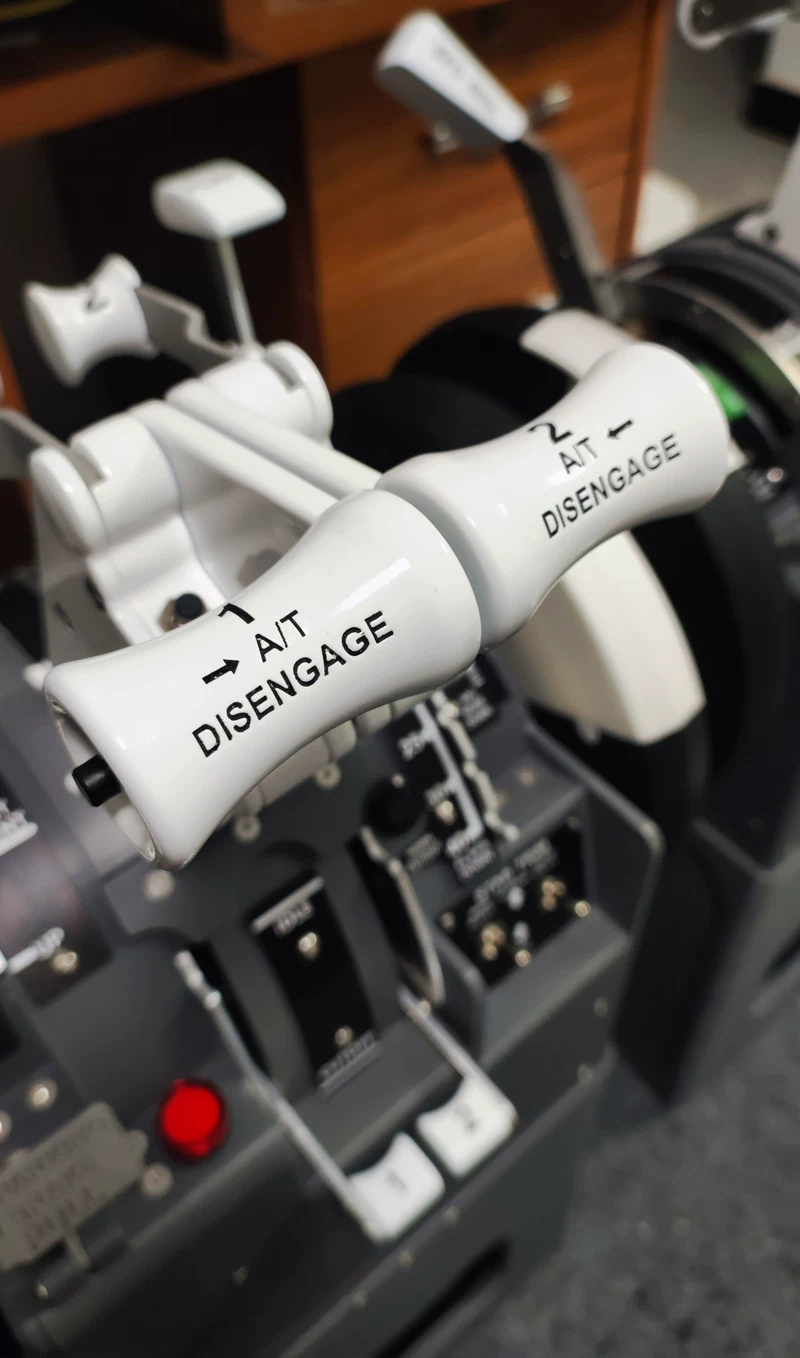
• TOGA/Auto-throttle Disconnect/Warning Buttons
• Features continuously maintained and updated alongside Zibo 738 and PMDG 737 versions
4. Usage:
4.1. Power On: Device powers up and creates a configuration Wi-Fi hotspot
4.2. Mobile Configuration: Complete network and simulator settings via browser
4.3. Launch X-Plane (Zibo 738) | PMDG 737: Device auto-discovers and connects
4.4. Start Flying: Zero extra key mapping, no plugins needed
5. Why It Stands Out
* Independent of PC software
* Rejects generic peripheral compromises
* Focuses on control consistency and long-term stability over feature stacking
* Functions more like a dedicated "Flight Simulation Control Module"
6. Who Is It For?
* Players looking to eliminate PC background software and complex plugins
* Flight sim enthusiasts dedicated long-term to Zibo 738 and PMDG 737
* Advanced simmers building desktop or cockpit setups
Package Contents:
* 1 x Throttle Quadrant
* 1 x Network Cable
* 1 x Power Adapter
Packaging Details:
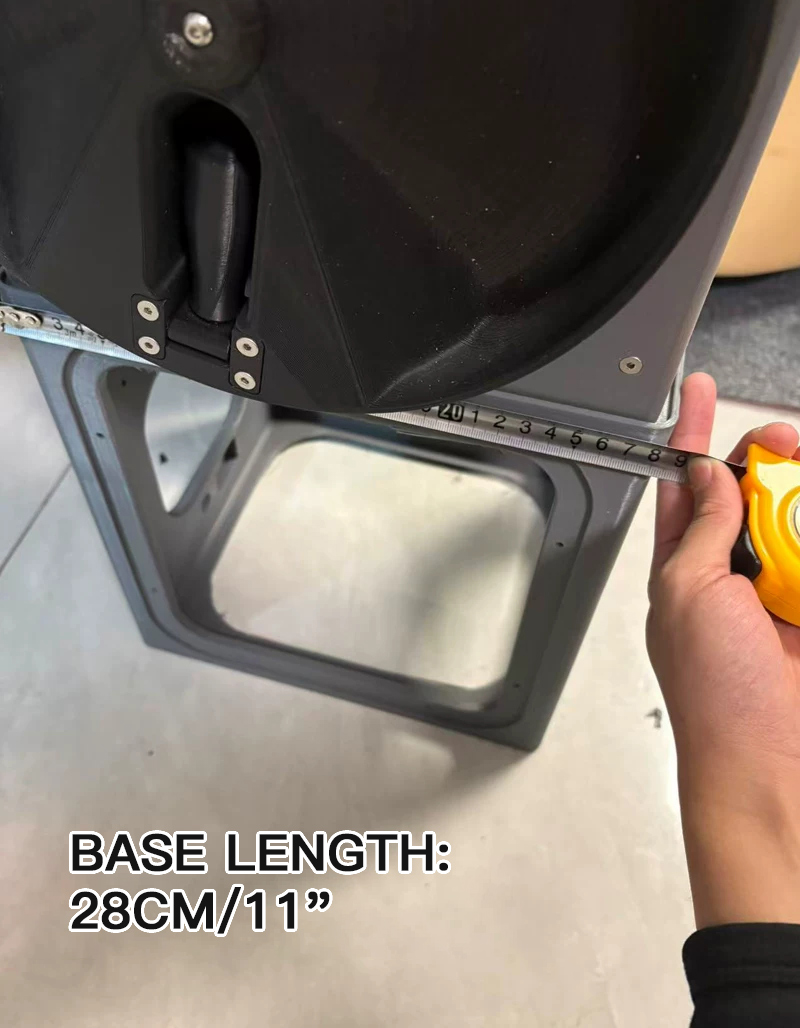
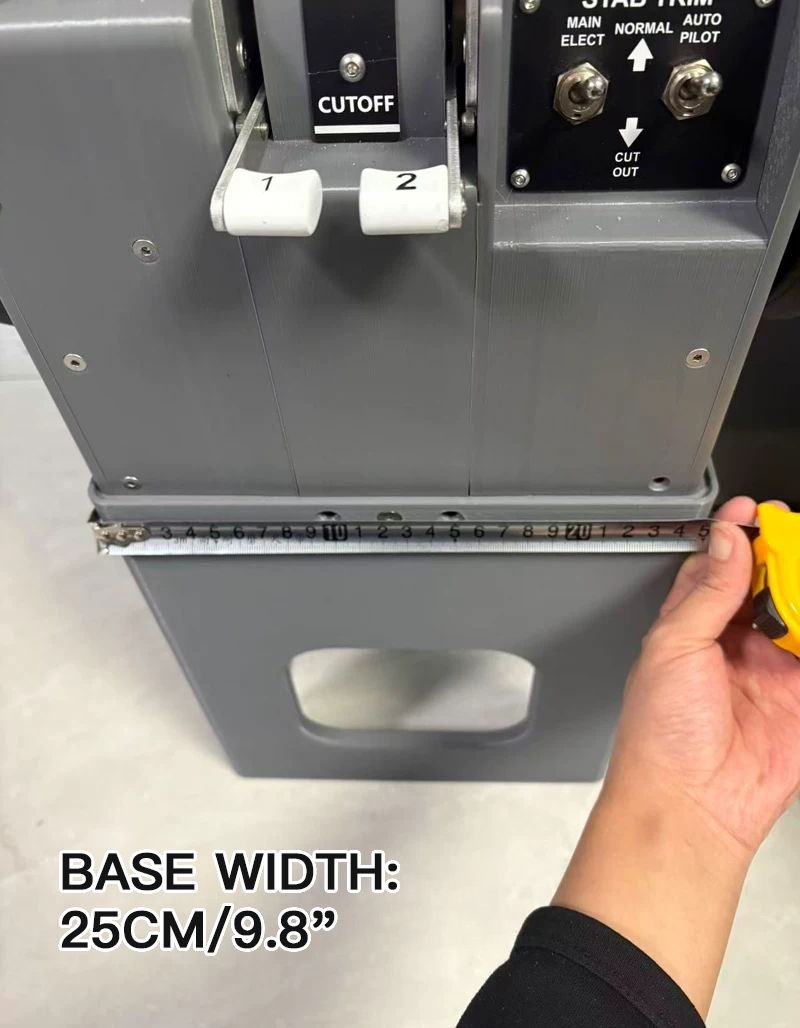
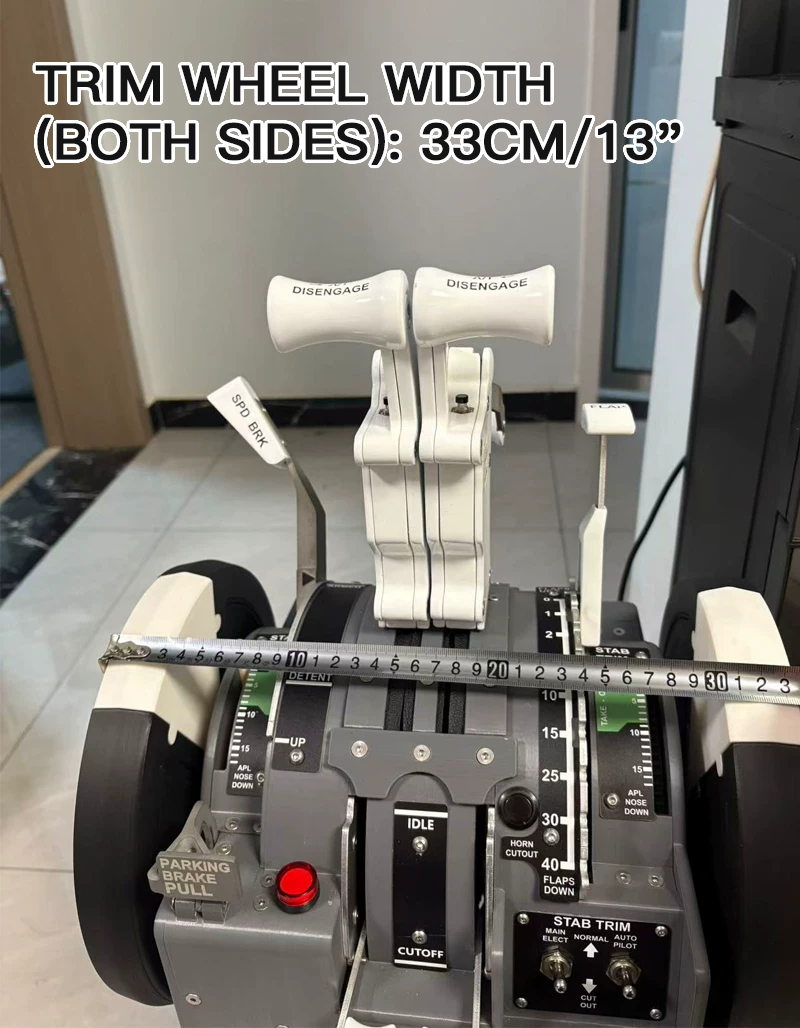
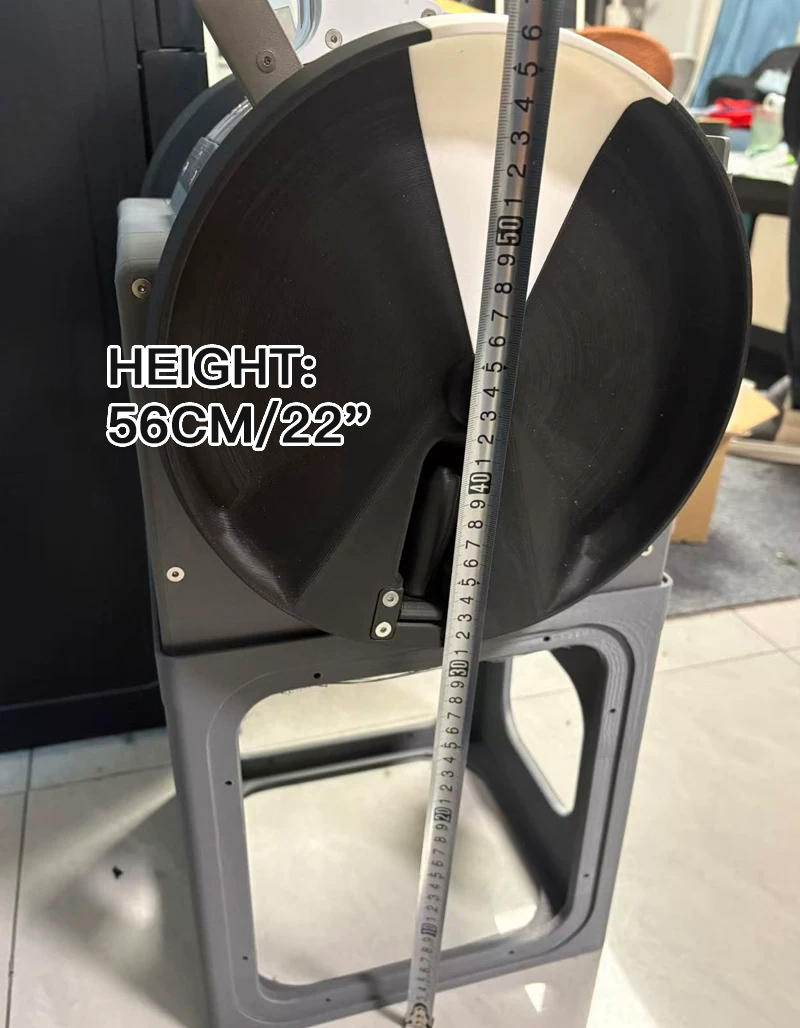
* Package weight: 28kg
FAQ:
Q1: Do I need to install software on my PC?
A: No. The device utilizes a standalone architecture and requires no background software running on your PC. Initial setup is done simply via a smartphone browser.
Q2: Which simulators are supported?
A: Currently supports X-Plane 11/12 Zibo 738 and Microsoft Flight Simulator PMDG 737 models.
Q3: Can Wi-Fi and Ethernet be used simultaneously?
A: No, but you can switch between them at any time without restarting the device.
Advanced Version:
1. Description:
This is a throttle quadrant that moves on its own. Once auto-throttle is engaged, the physical levers will dynamically follow the in-game movement.
2. Advantages:
* CAN Closed-Loop Motor: Real force feedback
* Real Force Feedback: Smooth push and pull
* PMDG SDK Direct Connection: No middleware required
* Supported Simulators: MSFS 2020/2024 & X-Plane 11/12
3. Ordinary Throttle Quadrant VS Simplayer Advanced Throttle Quadrant:
3.1. Ordinary Throttle Quadrant
* Input only, no feedback
* Auto-throttle can only be watched on screen
* Trim wheels do not move
* Feels like a "game controller"
3.2. Simplayer Advanced Throttle Quadrant:
* Auto-throttle with real physical movement
* Speedbrake motor synchronization
* Real-time trim wheel tracking
* A truly "living" throttle quadrant
* From "Controlling a Game" to "Piloting an Aircraft"
4. Features:
Plug and Play
* No complex configuration required
Self-Developed PC Software System
* Plug and play, no complex setup required.
* Auto-detects device
* Auto-connects to simulator
* Auto-loads aircraft configuration
* Online calibration and parameter tuning
* OTA online firmware updates
* No scripting needed, ready to use upon opening
Zero Learning Curve
* Easy to use even without technical knowledge
Real Force Feedback Auto-throttle
* When PMDG/Zibo auto-throttle is engaged, the physical throttle levers are driven by CAN closed-loop motors to move smoothly, linearly, and accurately in sync.
* Not vibration, not mere resistance, but real "physical push-back".
* Low latency, high precision, no shake, and smooth following
More Details
* CAN Closed-Loop Motor: Real force feedback
* High-Precision Magnetic Encoder: 15-bit angle sensing
* PMDG SDK direct connection and Zibo DataRef direct drive
* USB Plug and Play: Standard game controller mode
* Fly Right Out of the Box: Simply plug in USB to start flying