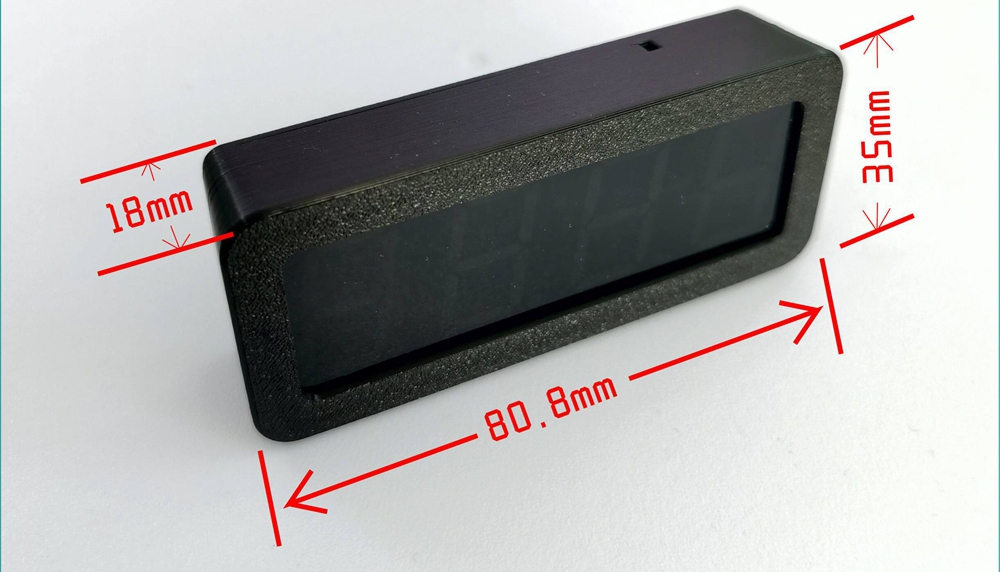
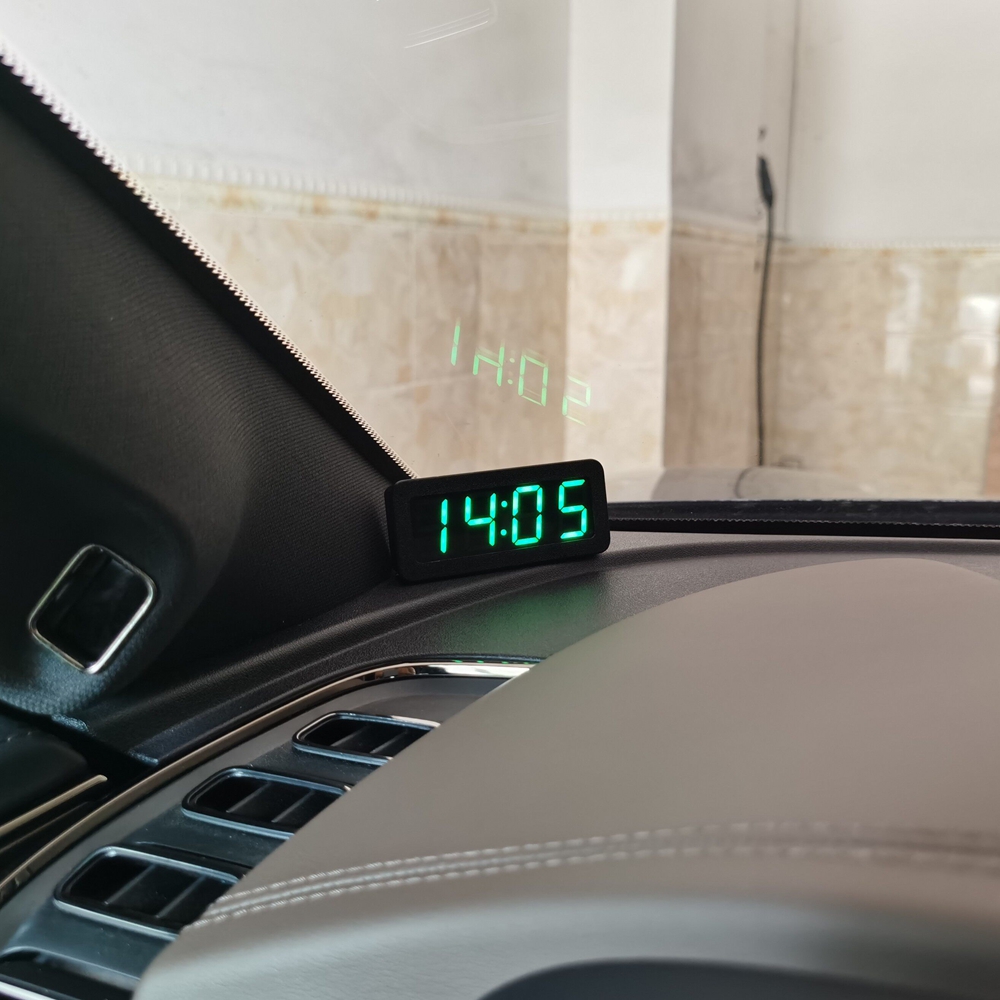
Red LED Version GPS/Beidou Satellite Timing 4-Bit Car-mounted Digital Clock DC5V with Time Memory Function
No se pudo cargar la disponibilidad de retiro


Note:
- This clock is designed for use in cars and cannot be used at home where satellite signals cannot be received. Not waterproof and cannot be used for motorcycles.
Description:
- GPS, Beidou satellite time synchronization car clock, no need to manually set time, the car will automatically receive GPS or Beidou satellite calibration time in outdoor open areas. Normal use of the car can maintain time accuracy in minutes and seconds, with long-term precision. The clock has an automatic brightness function, which adjusts the screen brightness automatically according to the ambient light, making it less dazzling to drive at night. And it has a time zone setting function, which can also be used abroad. There are options for 12 and 24-hour clock settings.
Brightness, Automatic Brightness, 12/24-hour Setting Instructions:
- Long press the button on the back, and the screen will display AL:1. This is the switch for the automatic brightness function. Release it and press briefly to change the value. AL:1 is on, AL:0 is off. After adjusting the automatic brightness, long press the button to enter the next setting LL: x, which is the manual brightness value setting. After releasing it, short press the button to change the value. The adjustment range is LL: 1~5. This parameter needs to turn off the automatic brightness function to take effect. Then long press the button to enter the next setting FF:, which is the switching option between 12 hour and 24-hour clock. FF: 12 is the 12 hour clock, FF: 24 is the 24-hour clock. After adjusting this parameter, finally long press the button to save and exit.
Time Zone Setting Instructions:
- Under normal display conditions, press the key 5 times continuously within 1 second to enter EE:, which is the time zone setting. Short press to change the value, ranging from -12 to 12. Beijing time is EE: 8. For domestic use, please do not change this value. Keep it at 8. For foreign users, adjust it to the corresponding time zone. After setting the time zone value, long press for 2 seconds to save and exit.
Tip:
- Under any setting item, if there is no operation for 30 seconds, it will automatically return to normal working state.
Parameter:
- Power supply: DC5V
- Working current: 60mA
Package Included:
- 1 x Clock
- 1 x Power Cable