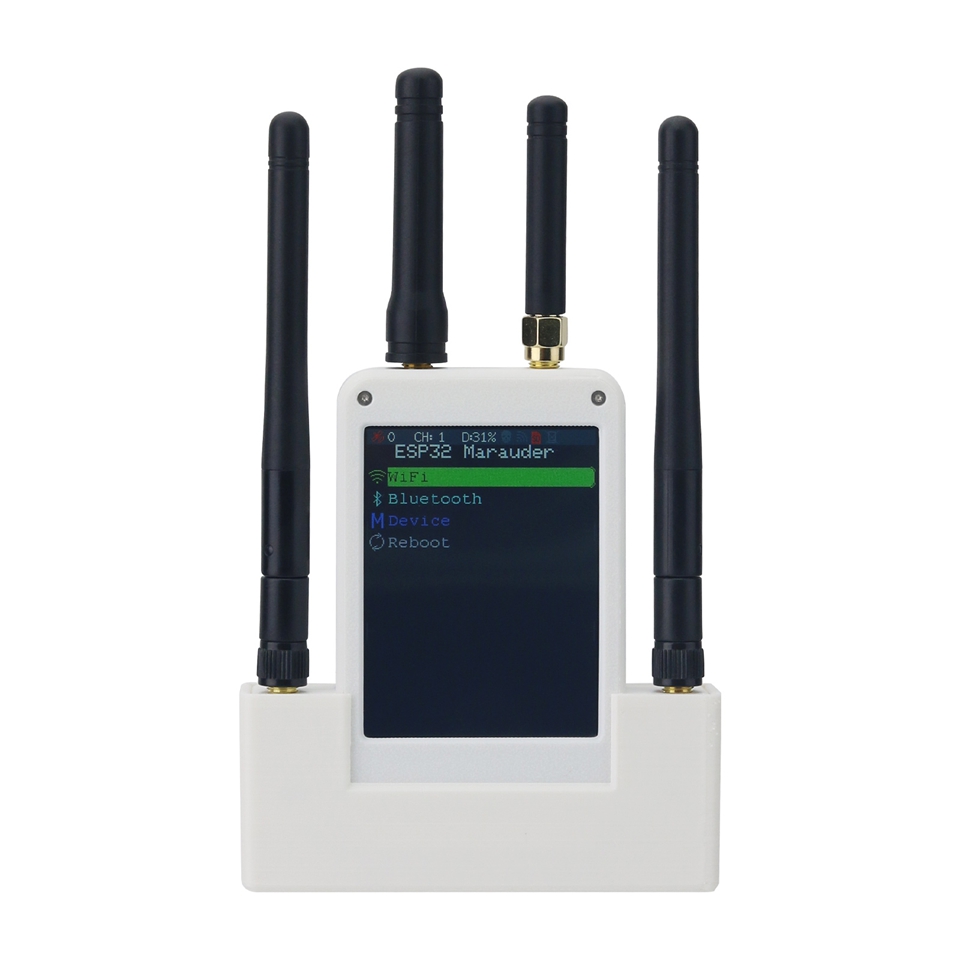
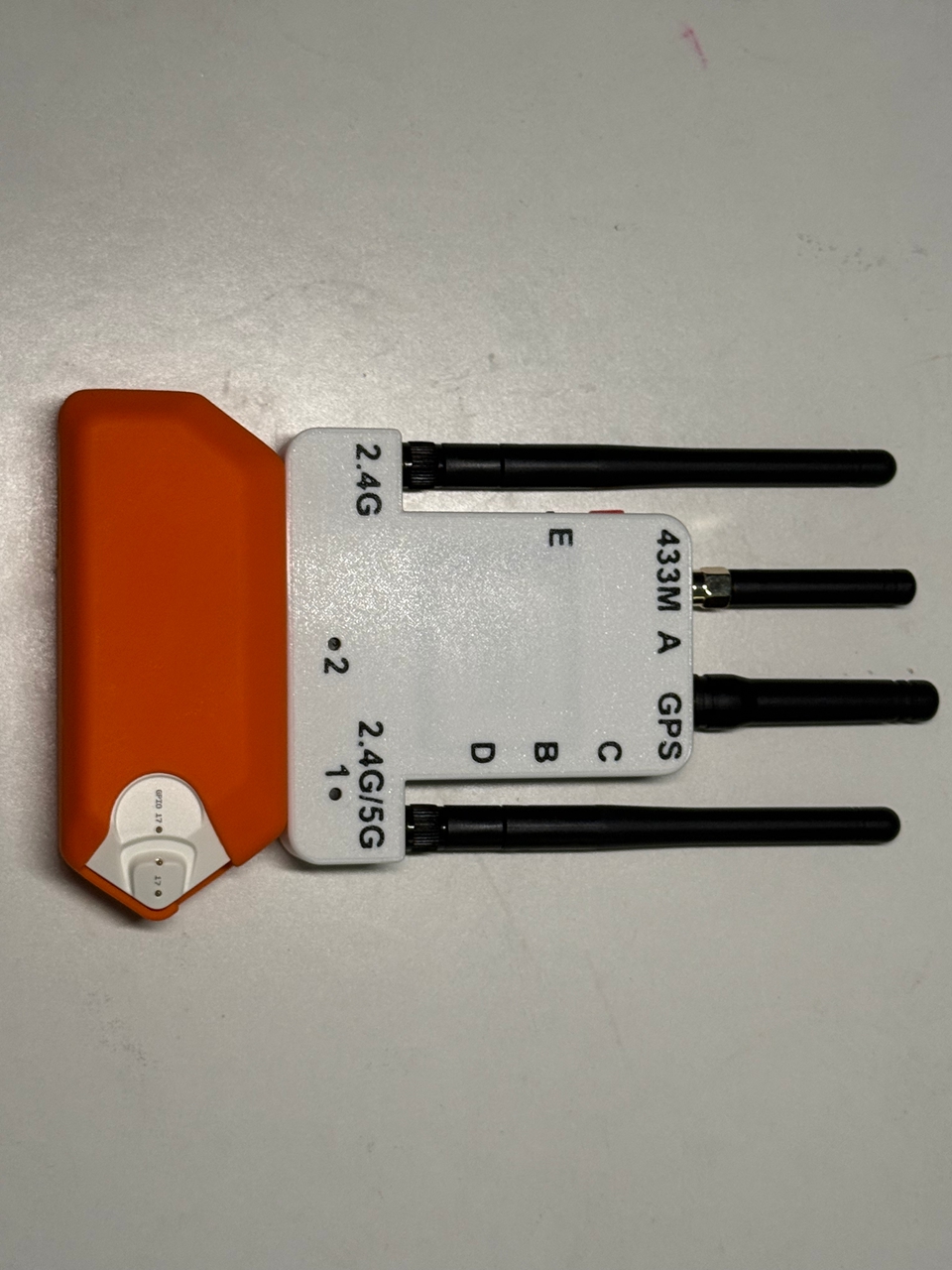
5G Version Flipper Zero External Module Kit 433MHz RF ESP32C5 GPS Modules with 2.8-inch Screen for Signal/Data Analysis
No se pudo cargar la disponibilidad de retiro

External Modules Include:
1. 433M RF module, using A07 module with a power of 10dBm. When using, insert Little Dolphin, enter the Sub-Ghz menu, click Advanced Settings to see the module used, and change it to external.
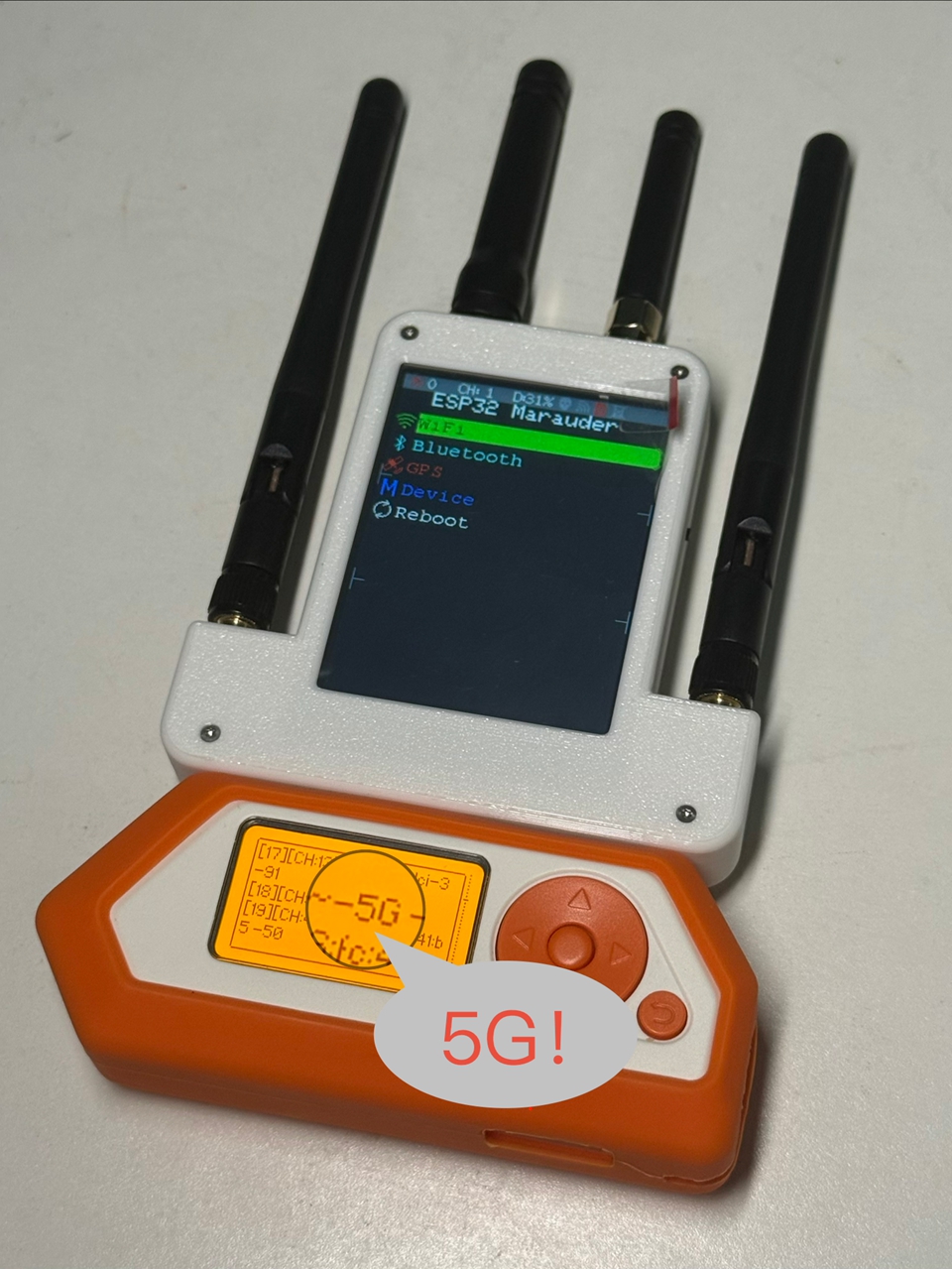
2. ESP32C5 (5G) module, default flashing of Marauder firmware, programming interface is Type-C, located on the left side of the front of the machine. Before programming, press and hold the button on the right side of the back of the machine, then insert the USB to start programming.
3. GPS module. The power supply of the GPS module can be divided into Little Dolphin power supply and machine battery power supply. The automatic switching power supply scheme has been upgraded. Connecting the Little Dolphin is the Little Dolphin power supply, and disconnecting it is the machine's own power supply.
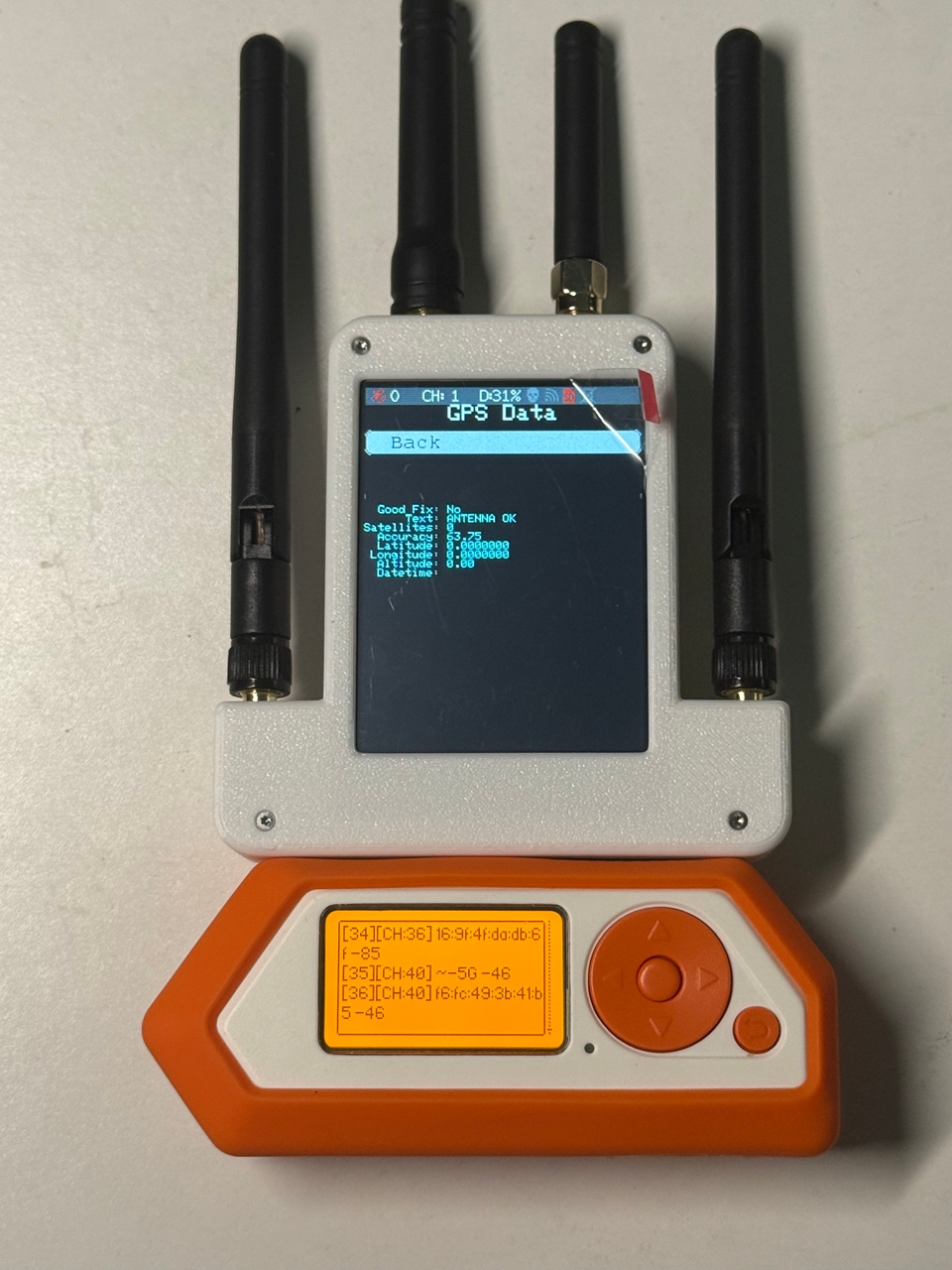
4. 2.8" Marauder. The charging interface of the Marauder is located at the top of the front, and the charging indicator light will light up and turn off when fully charged. The GPS of the Marauder can be shared with the GPS of the Little Dolphin, automatically switching power supply. When using screen only, please turn the switch on the left side of the front to the top.
What do I need to do when I receive the device? How to do it?
1. If you want to use the Little Dolphin GPS, go to Monentum - Protocol Settings - GPIO Pin Settings - modify the GPS Pin Settings to 13 or 14 in the Little Dolphin menu, then go to APP - GPIO - [NAME] GPS and wait for a while to find a satellite for positioning. Our GPS antenna is located on the top left side of the front.
2. If you want to use a 433M RF module, insert Little Dolphin, enter the Sub-Ghz menu, click on Advanced Settings to see the module you are using, and change it to external.
3. If you want to use the ESP32C5 module, insert Little Dolphin, find Monentum - Protocol Settings - GPIO Pin Settings - ESP32 Pin Settings - Change the ESP32 pin to 15 or 16, then go to APP - GPIO - ESP - [ESP32] WiFi Marauder, enter it and you can start using it.
4. If you want to use the screen, turn on the switch on the right to start using it.
Highlights and Features?
- Battery capacity: 800mAh
- All pins are gold-plated, and each signal pin is equipped with TVS.
- WiFi antenna 3dbi 11cm (WiFi antenna provided is dual frequency, no need to distinguish frequencies), GPS antenna 20dbi, 433M antenna 3dbi. All antennas are SMA male connectors.
FAQ:
1. Why does it keep scrolling through 0x****** and len******? This is because the built-in S2 Marauder in the Little Dolphin is not consistent with the current version of our module. Just refresh the firmware in our module. Currently, the firmware mntm-007 Chinese-20241010 is the 1.2.1 version Marauder firmware.
How to program firmware when firmware refresh crashes?
1. ESP32 Marauder v6 Screen Firmware: There is a Type-C plug on the top of the body, press the button in the hole on the left side of the back (BOOT), simply insert into the computer to program, you need to download the ch340 driver in advance
2. ESP32C5 Module: Press and hold the button (BOOT) in the hole on the left side of the back, then plug it into the Type-C socket on the right side of the back. After plugging it into the computer, release it to start programming.
3. Programming Downloader address: http://docs.espressif.com/projects/esp-test-tools/zh_CN/latest/esp32/production_stage/tools/flash_download_tool.html
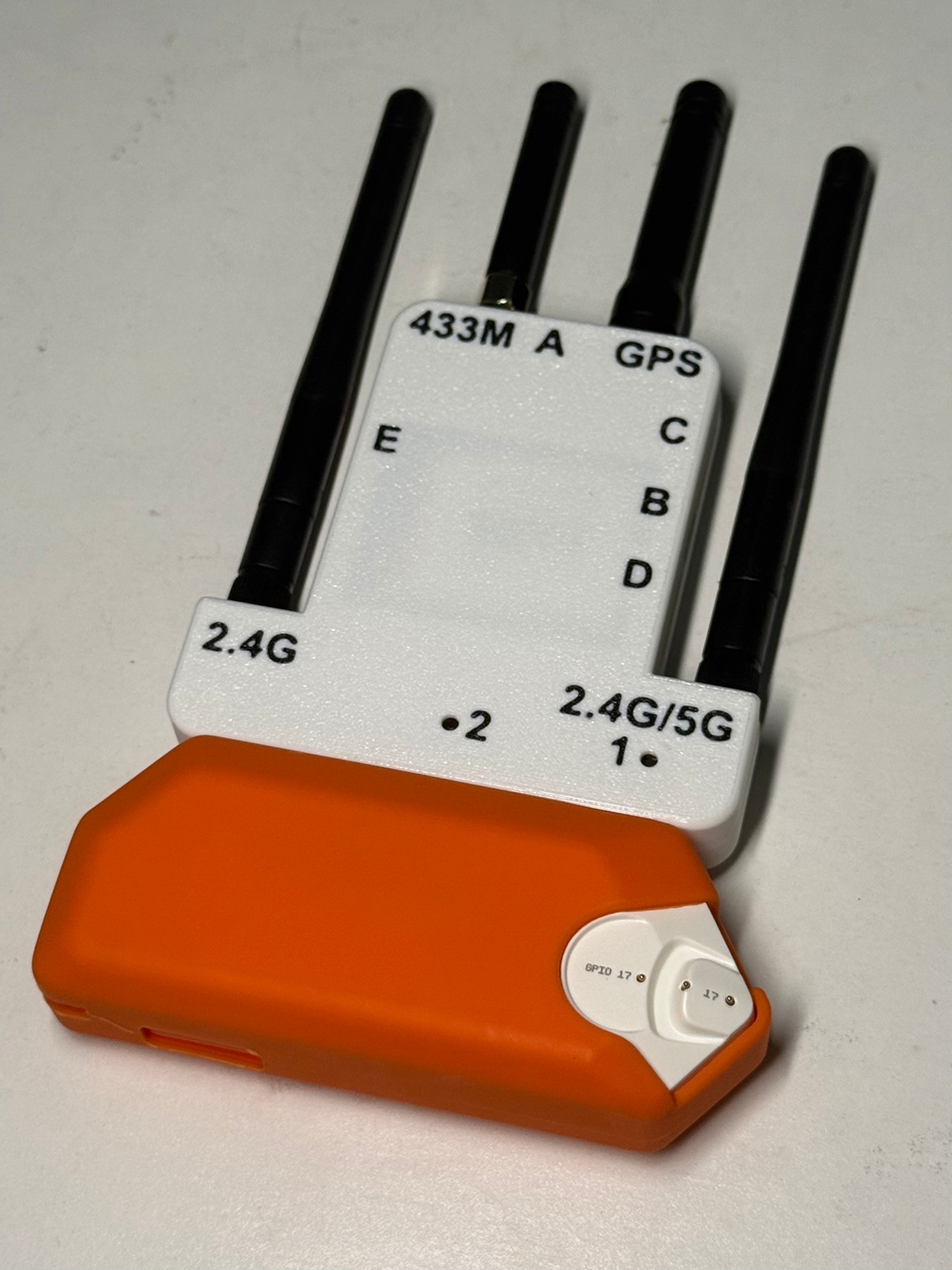
About Marks:
1: Boot button of ESP32C5 module
2: ESP32 Marauder Boot button
A: Charging port/programming port of this device
B: ESP32C5 programming port
C: ESP32 Marauder SD card slot
D: ESP32C5 SD card slot
E: Marauder main switch
Package Included:
- 1 x Flipper Zero External Module Kit
Note:
- The Flipper Zero displayed in the picture is not included, for demonstration purpose only.